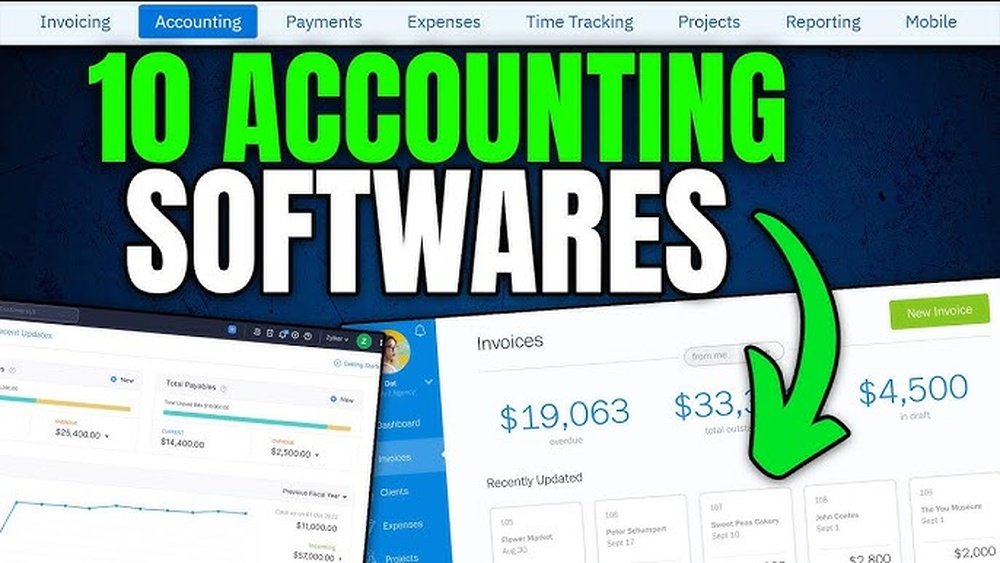
Finding the right accounting software for your small business can feel overwhelming. You want something that’s easy to use, reliable, and fits your budget.
The right tool can save you hours of work, reduce mistakes, and give you a clear picture of your finances. But with so many options out there, how do you choose the best one for your needs? You’ll discover the top 10 accounting software solutions designed to help small businesses like yours thrive.
Keep reading to find the perfect match that will simplify your accounting and boost your confidence in managing your money.
Benefits Of Accounting Software
Accounting software offers many benefits for small businesses. It helps manage finances efficiently and reduces manual work. This software improves accuracy and gives clear insights into business performance. Understanding these benefits can help small business owners choose the right tool.
Time-saving Features
Accounting software automates many daily tasks. It tracks expenses, invoices, and payments quickly. This saves hours that would be spent on manual bookkeeping. Users can focus more on growing their business rather than paperwork.
Accuracy And Error Reduction
Manual accounting often leads to mistakes. Software reduces errors by automating calculations and data entry. It helps keep financial records accurate and up-to-date. This lowers the risk of costly errors during tax season.
Financial Insights And Reporting
Accounting software provides clear financial reports. Users can see profit, loss, and cash flow easily. These insights help make better business decisions. Regular reports keep owners informed about their financial health.
Criteria For Choosing Software
Choosing the right accounting software is key for small businesses. It helps manage finances clearly and saves time. Not all software fits every business. Different features and costs suit different needs.
Here are the main points to consider before picking software. These criteria help find the best match for your business tasks and budget.
Ease Of Use
Software should be simple and quick to learn. Small business owners need tools that do not require expert skills. Clear menus and easy navigation reduce errors. Good software lets users enter data and create reports fast.
Cost And Pricing Models
Price matters for small businesses. Some software charges monthly, others ask for a one-time fee. Check for extra costs like updates or support. Choose software that fits your budget without hidden charges. Affordable options are often better for new businesses.
Integration With Other Tools
Software that works with other tools saves time. It should connect with bank accounts, payment systems, and inventory apps. This reduces manual work and errors. Integration helps keep all business data in one place.
Customer Support
Good support means help is available when needed. Look for software with quick response times and clear guidance. Support can be through chat, phone, or email. Reliable customer service makes using the software easier and less stressful.
Quickbooks Online
QuickBooks Online is a popular accounting software for small businesses. It helps manage finances, track expenses, and create invoices easily. This cloud-based tool lets users access their accounts anytime, anywhere. It suits many types of small businesses and offers useful features.
Key Features
- Automated invoicing and payment reminders
- Expense tracking and bank reconciliation
- Simple payroll integration
- Real-time financial reports and dashboards
- Multi-user access with different permission levels
- Mobile app for managing accounts on the go
- Integration with many third-party apps
Pricing Plans
QuickBooks Online offers several pricing plans. The Simple Start plan is best for very small businesses. It includes basic features like income and expense tracking.
The Essentials plan adds bill management and multiple users. The Plus plan supports inventory tracking and project profitability. Lastly, the Advanced plan suits growing businesses with more complex needs.
Each plan charges monthly fees. Discounts may apply for yearly subscriptions. Users can upgrade or downgrade plans easily.
Pros And Cons
- Pros:
- Easy to use with a clean interface
- Strong mobile app for managing on the move
- Wide range of features for small businesses
- Good customer support and resources
- Cons:
- Costs can add up for advanced features
- Some users find reports limited without customization
- Occasional syncing issues with bank accounts
- Learning curve for beginners without accounting knowledge
Xero
Xero is a popular accounting software designed for small businesses. It helps manage finances easily and keeps everything organized. Many small business owners use Xero for its simplicity and powerful features. It works well for tracking expenses, invoicing, and bank reconciliation. The software is cloud-based, so you can access it from anywhere with an internet connection.
Core Functionalities
Xero offers tools for invoicing, billing, and expense tracking. It also supports bank reconciliation with automatic updates. You can manage payroll and track inventory within the software. Reports and dashboards give clear insights into your business health. It integrates with many third-party apps for added functionality.
Subscription Options
Xero has several plans to fit different business needs. The Starter plan suits very small businesses with limited invoices. The Standard plan offers more features for growing companies. The Premium plan supports multiple currencies and advanced options. All plans include unlimited users and cloud access.
Strengths And Weaknesses
Xero is easy to use and has a clean interface. It offers strong integration with other business tools. The mobile app allows managing accounts on the go. Some users find the pricing higher than other options. Payroll features may not cover all countries. Learning curve for new users can be moderate.
Freshbooks
FreshBooks is a popular accounting software designed for small businesses and freelancers. It helps manage invoices, track expenses, and handle payments. The platform is easy to use and requires no accounting experience.
Main Capabilities
FreshBooks allows users to create professional invoices quickly. It tracks expenses by connecting to bank accounts. Time tracking helps freelancers bill clients accurately. Users can generate reports to see business performance. It supports multiple payment options for faster payments. FreshBooks also automates reminders to reduce late payments.
Cost Structure
FreshBooks offers several plans based on the number of clients. The Lite plan is affordable for small users with fewer clients. The Plus plan adds more features and client capacity. Premium and Select plans suit larger businesses with more needs. Monthly and annual billing options provide flexibility. Free trials let users test features before buying.
Advantages And Drawbacks
FreshBooks is simple and user-friendly. It works well for service-based businesses and freelancers. Its mobile app allows work on the go. Customer support is responsive and helpful. The software lacks advanced inventory management features. Some users find pricing higher than competitors. Reporting tools could be more detailed for complex needs.
Credit: www.accountsjunction.com
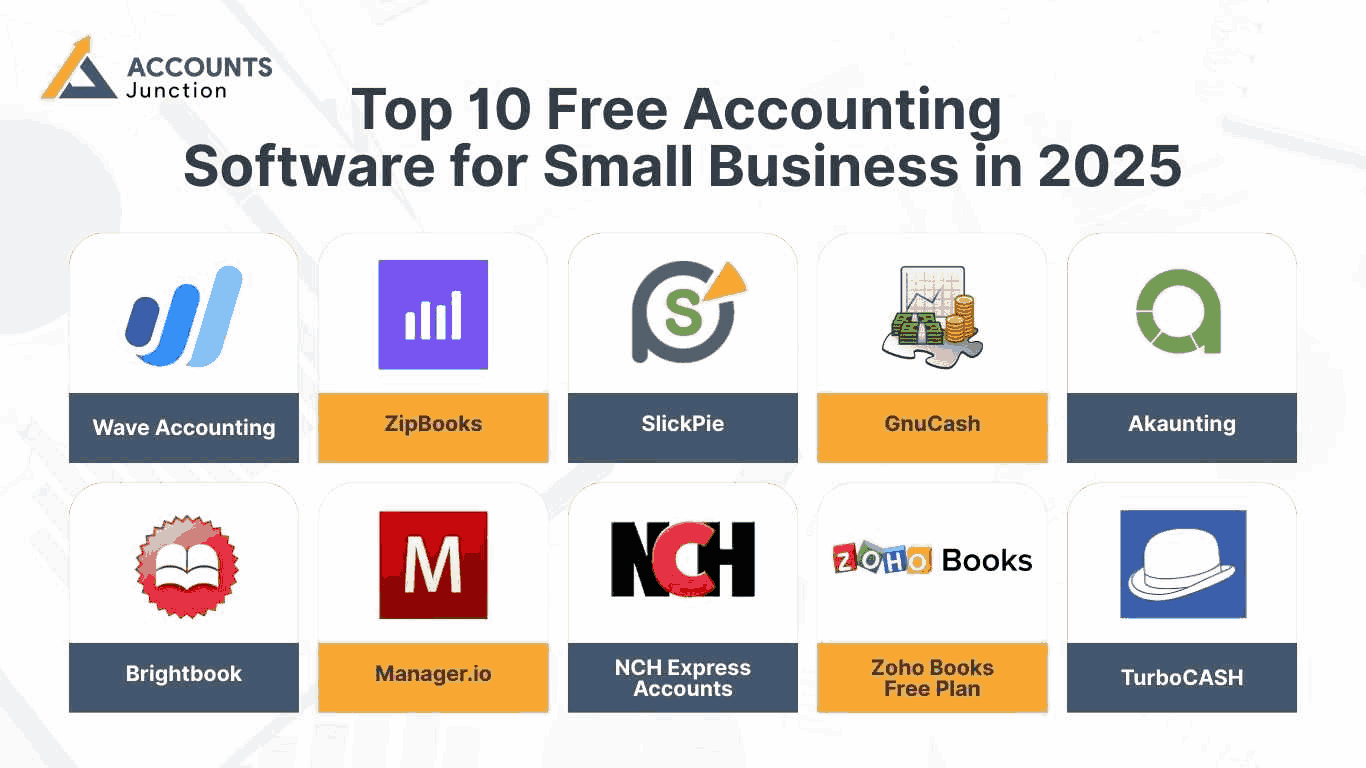
Wave Accounting
Wave Accounting is a popular choice among small businesses. It offers simple tools to manage finances. The platform works well for freelancers, startups, and small teams.
Users appreciate its easy setup and clear interface. Wave helps track income, expenses, and invoices without hassle.
Features Offered
Wave Accounting provides features like income and expense tracking. It allows easy invoicing and payment processing. Users can connect bank accounts and credit cards. It also offers receipt scanning via mobile app. Financial reports include profit and loss statements. Payroll services come as an add-on for US and Canada. Multi-currency support helps businesses with global clients.
Pricing Details
Wave Accounting has a free core software version. This includes accounting, invoicing, and receipt scanning. Payroll services cost extra and vary by region. Payment processing fees apply per transaction. No monthly fees for basic accounting features.
Benefits And Limitations
Wave is free and user-friendly, perfect for beginners. It integrates well with bank accounts for live updates. The software supports unlimited users and businesses. Some users find advanced features limited. Payroll is only available in select countries. Customer support is limited for free users. Suitable for small businesses with simple accounting needs.
Zoho Books
Zoho Books is a popular accounting software designed for small businesses. It helps track income, expenses, and taxes easily. The software offers tools that simplify financial management. Users can automate tasks and save time on bookkeeping.
Zoho Books also supports invoicing, bank reconciliation, and inventory management. It works well for businesses with limited accounting knowledge. The interface is clean and easy to use.
Essential Tools
Zoho Books includes invoicing and expense tracking tools. It supports bank feeds and automatic reconciliation. Users can create financial reports like profit and loss statements. The software also offers time tracking and project billing features. Tax compliance tools help manage GST and VAT. Mobile apps allow managing accounts on the go.
Plans And Pricing
Zoho Books offers three main pricing plans. The Basic plan suits very small businesses and freelancers. The Standard plan adds more automation and features. The Professional plan includes inventory management and purchase orders. Monthly fees vary based on the plan and users. A free trial is available to test the software. No long-term contracts are required.
Pros And Cons
Zoho Books is easy to use and affordable. It integrates well with other Zoho apps. The software supports multiple currencies and languages. Customer support is responsive and helpful. Some users find advanced features complex. Limited payroll options may require separate tools. Reporting could be more customizable for some businesses. Overall, it is reliable for small business accounting.
Sage Business Cloud Accounting
Sage Business Cloud Accounting is a popular choice for small businesses. It offers simple tools to manage money and accounts. This software helps track expenses, send invoices, and prepare taxes.
Designed for small business owners, Sage keeps accounting tasks easy. The cloud-based platform lets users work anywhere with internet access. It suits those with little accounting experience.
Functionality Overview
Sage Business Cloud Accounting provides essential features for daily finance work. Users can create and send invoices quickly. It tracks expenses and payments in real time. Bank transactions can be imported automatically. Reports help monitor cash flow and profits. The software supports tax calculations and filing. It also allows multiple users with different access levels.
Pricing Tiers
Sage offers two main pricing plans. The first is the Accounting plan for basic needs. It includes invoice creation and expense tracking. The second is the Accounting Plus plan. This adds features like inventory management and project tracking. Both plans have monthly fees with no long-term contracts. A free trial is available for new users.
Key Strengths And Challenges
Sage is easy to use and good for beginners. It saves time with automatic bank feeds. Customer support is reliable and helpful. The software works well on desktop and mobile devices. Some users find its reporting options limited. Advanced features may require higher plans. Integrations with other apps can be fewer than competitors. Overall, it suits small businesses needing straightforward accounting tools.
Kashoo
Kashoo is a simple accounting software designed for small businesses. It helps manage income, expenses, and taxes easily. The software is user-friendly and offers clear financial reports. Many small business owners find Kashoo helpful for staying organized.
Feature Set
Kashoo offers invoicing, expense tracking, and bank reconciliation. It supports multiple currencies and tax calculations. Users can create and send professional invoices quickly. The software also provides real-time financial reports. Mobile apps are available for accounting on the go.
Pricing Information
Kashoo charges a monthly fee with a free trial option. The pricing is straightforward and affordable for small businesses. There are no hidden costs or extra fees for updates. Users can cancel anytime without penalties. The price includes all key features and support.
Advantages And Disadvantages
Kashoo is easy to use and offers good customer support. It works well for basic accounting needs. The software integrates with banks for automatic updates. Some users find it lacks advanced features. It may not suit larger businesses or complex accounting tasks.
Credit: www.globalfpo.com
Kashflow
KashFlow is a popular accounting software designed for small businesses. It helps manage invoices, expenses, and payroll easily. The software is simple to use and works well for those without accounting experience.
KashFlow offers tools to save time on everyday tasks. It also supports tax calculations and financial reports. This makes it easier to keep track of business finances and stay organized.
Core Features
- Invoice creation and management
- Expense tracking and categorization
- Automatic VAT calculations
- Payroll processing and employee management
- Bank feed integration for real-time updates
- Customizable financial reports
- Multi-user access with permission controls
Subscription Costs
KashFlow offers several subscription plans. The basic plan starts at a low monthly fee. It suits very small businesses and sole traders. Higher plans include payroll and extra features. Prices increase with the number of users and added tools. Annual billing options provide some discounts.
Pros And Cons
- Pros: Easy to use, good for beginners
- Strong payroll features included
- Good VAT and tax support
- Secure and reliable cloud storage
- Cons: Limited integrations with other apps
- Design looks a bit outdated
- No mobile app for on-the-go access
- Can get costly as business grows
Freeagent
FreeAgent is a popular accounting software made for small businesses. It helps business owners manage money with less hassle. The software is easy to use and covers many important tasks. It suits freelancers, contractors, and small teams.
FreeAgent simplifies invoicing, expenses, and tax tracking. It also supports bank connections for real-time updates. This helps keep your accounts accurate and up to date.
Primary Features
- Automatic bank feeds to track income and expenses
- Create and send professional invoices quickly
- Expense management with receipt capture
- Time tracking and project management tools
- Tax calculations and submission assistance
- Cash flow forecasting for better planning
- Multi-currency support for international business
Cost Plans
FreeAgent offers a simple pricing model. There is one main plan that includes all features. The monthly fee covers unlimited users and customers.
A free trial is available for new users. This helps you test the software before buying.
Benefits And Limitations
FreeAgent is user-friendly and saves time on accounting tasks. It provides clear reports that help understand finances. Customer support is helpful and responsive.
Some features may be too basic for larger companies. Limited integrations with other software can be a drawback. Mobile app functionality is good but could improve.
Comparing Top Software
Choosing the right accounting software can be hard for small businesses. Each option offers different tools and prices. Comparing top software helps find the best match. This section breaks down key features, costs, and business fits. It guides small business owners to make smart choices easily.
Feature Comparison Chart
The feature chart shows what each software offers. Look for invoicing, expense tracking, and tax help. Some software has payroll options and inventory management. User-friendliness and mobile app availability also matter. This chart helps spot the software with the needed tools.
Pricing Analysis
Price varies widely across different software. Some charge monthly fees, others yearly. Basic plans cost less but may lack features. Advanced plans include more tools but are pricier. Watch for hidden fees like extra users or transactions. Compare prices with features to find value.
Best Fit For Different Business Types
Different businesses need different software types. Freelancers benefit from simple invoicing and tracking. Retail stores need inventory and sales reports. Service companies want easy billing and payroll features. Some software suits startups, others fit growing companies. Choose software that fits your business size and needs.
Tips For Implementation
Implementing new accounting software can be a big step for any small business. Careful planning helps the process go smoothly. Focus on clear steps to avoid common problems. Proper implementation makes the software work well from day one.
Data Migration Strategies
Start by organizing your current financial data. Check for duplicates and errors before moving it. Use tools provided by the software to import data safely. Test the data after migration to ensure accuracy. Keep a backup of all files before starting the transfer.
Training Your Team
Train your staff on the new software features. Use simple guides and hands-on practice sessions. Encourage questions and offer extra support if needed. Schedule training early, before full software use begins. Well-trained teams reduce errors and save time.
Maintaining Data Security
Protect sensitive financial information at all times. Use strong passwords and change them regularly. Limit access to the accounting software to trusted team members. Enable two-factor authentication if available. Regularly update the software to fix security issues.
Credit: financfy.com
Frequently Asked Questions
What Is The Best Accounting Software For Small Businesses?
The best accounting software for small businesses offers ease of use, affordability, and essential features. Popular options include QuickBooks, Xero, and FreshBooks. These tools simplify invoicing, expense tracking, and financial reporting, helping businesses manage finances efficiently and save time.
How Much Does Small Business Accounting Software Cost?
Small business accounting software pricing varies from free plans to $70+ monthly. Costs depend on features, user limits, and support. Many providers offer tiered plans to suit different business sizes. It’s important to choose software that fits your budget and business needs.
Can Accounting Software Integrate With Other Business Tools?
Yes, most accounting software integrates with popular business tools like payment gateways, CRM, and payroll systems. Integration helps automate workflows, reduce manual entry, and improve data accuracy. Check for compatibility with your existing software before choosing an accounting solution.
Is Cloud-based Accounting Software Secure For Small Businesses?
Cloud-based accounting software uses encryption and regular backups to protect data. Providers implement strict security measures to safeguard financial information. Using cloud software allows access from anywhere while maintaining data security, making it a safe choice for small businesses.
Conclusion
Choosing the right accounting software can save time and reduce stress. Each option offers unique features for small business needs. Think about your budget, ease of use, and support. Test a few to see which fits best. Good software helps keep finances clear and organized.
Start smart to keep your business on track. Simple tools can make a big difference every day.