Managing your small business finances doesn’t have to be a headache or drain your budget. Imagine having a simple tool that helps you track income, expenses, and taxes—without costing you a dime.
If you’re looking for free small business bookkeeping software that’s easy to use and reliable, you’re in the right place. Keep reading to discover options that can save you time, reduce stress, and keep your business on the path to success.
Your financial peace of mind starts here.
Credit: www.zoho.com
Benefits Of Free Bookkeeping Software
Free bookkeeping software helps small businesses manage their finances easily. It lets business owners track income, expenses, and invoices without extra cost. This software supports better money management and helps avoid costly mistakes.
Many small businesses gain from using free tools. These programs offer basic but important features for daily bookkeeping tasks. They make financial tracking less stressful and more organized.
Cost Savings For Startups
Startups often have tight budgets. Free bookkeeping software eliminates monthly fees and subscription costs. This helps new businesses save money for other important needs. It also avoids expensive accounting services during early stages.
Essential Features To Look For
Good free bookkeeping software includes key tools. These include expense tracking, invoicing, and financial reports. Look for software that supports bank connection and data export. These features simplify managing and reviewing business finances.
Ease Of Use And Accessibility
Many free bookkeeping programs have simple interfaces. They are designed for users without accounting knowledge. Cloud-based options allow access from any device with internet. This helps business owners update records anytime, anywhere.
Top Free Bookkeeping Software Options
Choosing the right bookkeeping software helps small businesses manage their finances easily. Free options offer great tools without extra cost. These programs often include features like invoicing, expense tracking, and financial reports. Below are some top free bookkeeping software choices for small businesses.
Wave Accounting
Wave Accounting is a popular free bookkeeping tool. It offers invoicing, expense tracking, and receipt scanning. The software works well for small businesses with simple needs. Users appreciate its clear design and easy setup. Wave also supports bank connections for automatic transaction imports.
Zipbooks
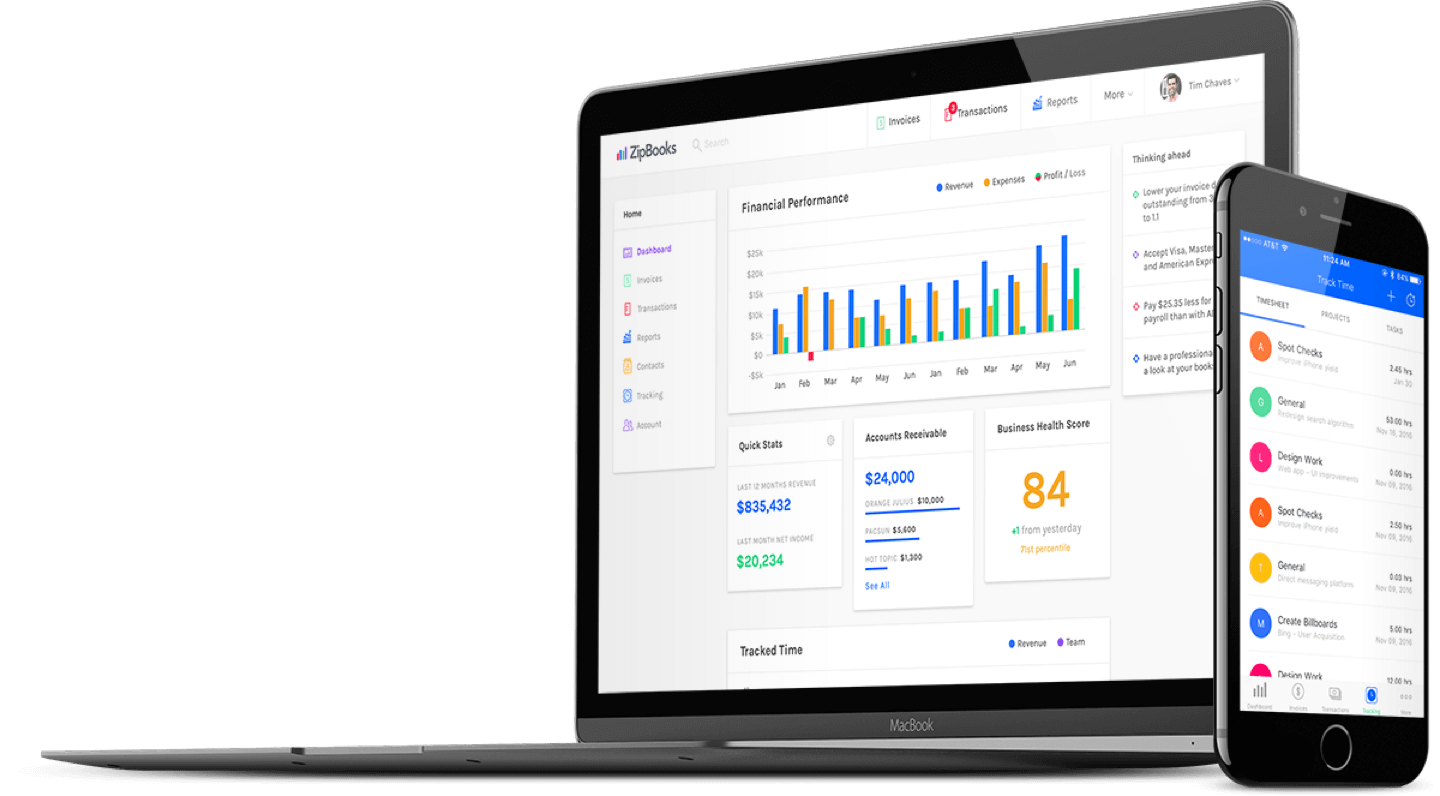
ZipBooks provides a free plan with basic bookkeeping features. It includes invoicing, vendor management, and reporting. The interface is simple and user-friendly. ZipBooks helps small business owners track their income and expenses efficiently. It also offers unlimited invoices and contacts on the free plan.
Gnucash
GnuCash is open-source software for small business accounting. It supports double-entry bookkeeping and multiple accounts. Users can track bank accounts, stocks, and income easily. GnuCash works on different operating systems, such as Windows, Mac, and Linux. It suits those who want control over their financial data.
Slickpie
SlickPie offers free bookkeeping with automated data entry. It can extract data from receipts and bills automatically. Small businesses benefit from its easy invoice creation and tax management features. The software supports multi-currency, which is helpful for global transactions. SlickPie also allows unlimited users on the free plan.
Akaunting
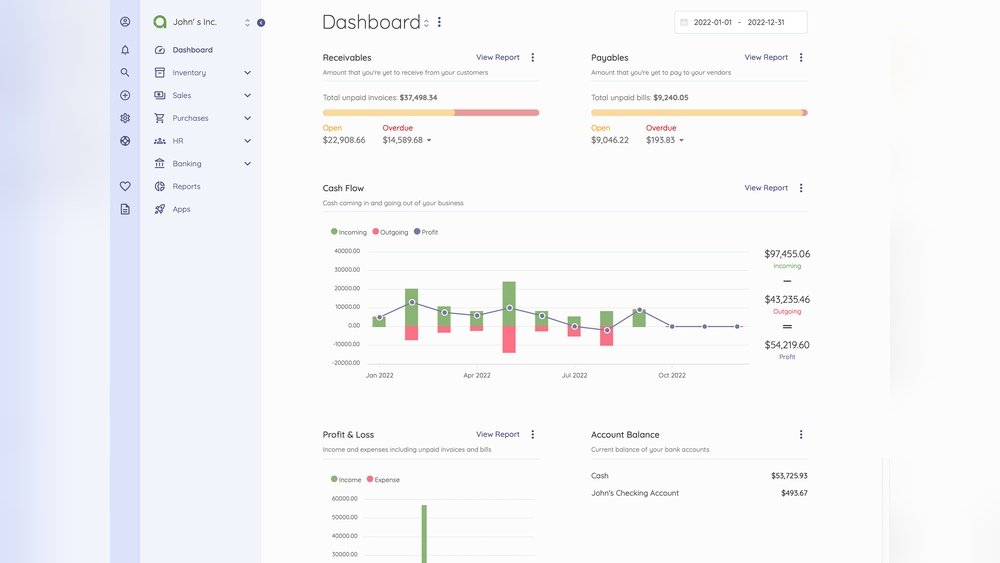
Akaunting is a free online bookkeeping software. It provides invoicing, expense tracking, and powerful reporting tools. The platform supports multiple users and businesses under one account. Akaunting works well for small teams that need cloud access. It also has many free apps to extend its functions.
Comparing Features And Limitations
Choosing the right free bookkeeping software for a small business means knowing the features and limits. Each tool offers different functions that help manage money well. Understanding these features helps pick the best fit for daily tasks and business needs.
Invoicing And Expense Tracking
Most free bookkeeping software allows easy invoice creation. You can customize templates and send invoices quickly. Expense tracking helps record purchases and bills. Some tools link to bank accounts for automatic updates. Limits may include fewer invoice templates or restricted expense categories.
Bank Reconciliation
Bank reconciliation matches your records to bank statements. Many free tools offer basic reconciliation to spot errors. Some software updates bank data automatically. Others require manual entry, which takes more time. Limitations often involve delayed syncing or fewer bank connections.
Reporting And Analytics
Reports show financial health clearly. Free software usually provides basic reports like profit and loss. Some tools offer dashboards with charts and graphs. Advanced analytics might be missing or limited in free versions. This can affect detailed financial review and planning.
User Support And Community
Support varies widely across free software options. Some offer email or chat help. Others rely on user forums and online guides. Community support can be very helpful for quick answers. Paid support is rarely included in free plans, which may slow problem solving.
Choosing The Right Software For Your Business
Choosing the right bookkeeping software is important for your business success. The right tool saves time and reduces errors. It fits your business needs and grows with you. Careful selection helps manage finances clearly and easily. Consider several factors before making a choice.
Business Size And Industry Needs
Small businesses have different needs than larger ones. Some industries require special features like inventory or payroll. Find software designed for your business size and type. This helps avoid paying for unused features. It also ensures you get tools that matter most.
Scalability And Upgrade Options
Your business will grow over time. Choose software that can grow with you. Look for upgrade options to add more features later. This saves switching costs and keeps your data safe. Scalable software supports your changing needs smoothly.
Integration With Other Tools
Most businesses use several tools for daily tasks. Check if the software connects with your current apps. Integration with payment, invoicing, or tax tools saves time. It reduces manual work and data errors. Easy data flow helps keep your accounts accurate.
Tips For Effective Bookkeeping Practices
Good bookkeeping helps small businesses stay organized and financially healthy. It tracks all money coming in and going out. Accurate records make tax time easier and support smart decisions. These tips improve your bookkeeping habits and reduce mistakes.
Regular Record Updates
Update your books every day or week. This keeps information current and avoids pileups. Daily updates catch errors early. Record all sales, expenses, and receipts without delay. Consistent updates give a clear picture of your finances.
Backup And Data Security
Always back up your bookkeeping data. Use cloud storage or external drives. Protect your data from loss or theft. Secure passwords and limit access to trusted people. Regular backups keep your records safe and available.
Leveraging Automation Features
Use automation tools in your bookkeeping software. These tools save time and reduce errors. Set up automatic bank feeds and invoicing. Automation helps track expenses and payments faster. It simplifies daily tasks and keeps records accurate.
Credit: www.zoho.com
Credit: zipbooks.com
Frequently Asked Questions
What Features Should Free Small Business Bookkeeping Software Have?
Good software offers invoicing, expense tracking, bank reconciliation, and financial reporting. It should be user-friendly and secure. Cloud-based options provide easy access and automatic updates.
Is Free Bookkeeping Software Suitable For All Small Businesses?
Free software works well for startups and small businesses with simple finances. Larger businesses may need paid versions with advanced features and support.
Can Free Bookkeeping Software Integrate With Other Business Tools?
Many free bookkeeping tools offer integrations with payment gateways, payroll, and tax software. Integration streamlines workflow and improves accuracy.
How Secure Is Free Small Business Bookkeeping Software?
Reputable free software uses encryption and secure servers to protect data. Always check privacy policies and update software regularly for safety.
Conclusion
Choosing free small business bookkeeping software can save time and money. These tools help track income and expenses clearly. They make managing your finances easier and less stressful. Simple software fits well with small business needs. Try a few options to find what works best.
Keeping your books organized supports better business decisions. Start today and keep your financial records neat and accurate.